New
Share a chat, and everything behind it
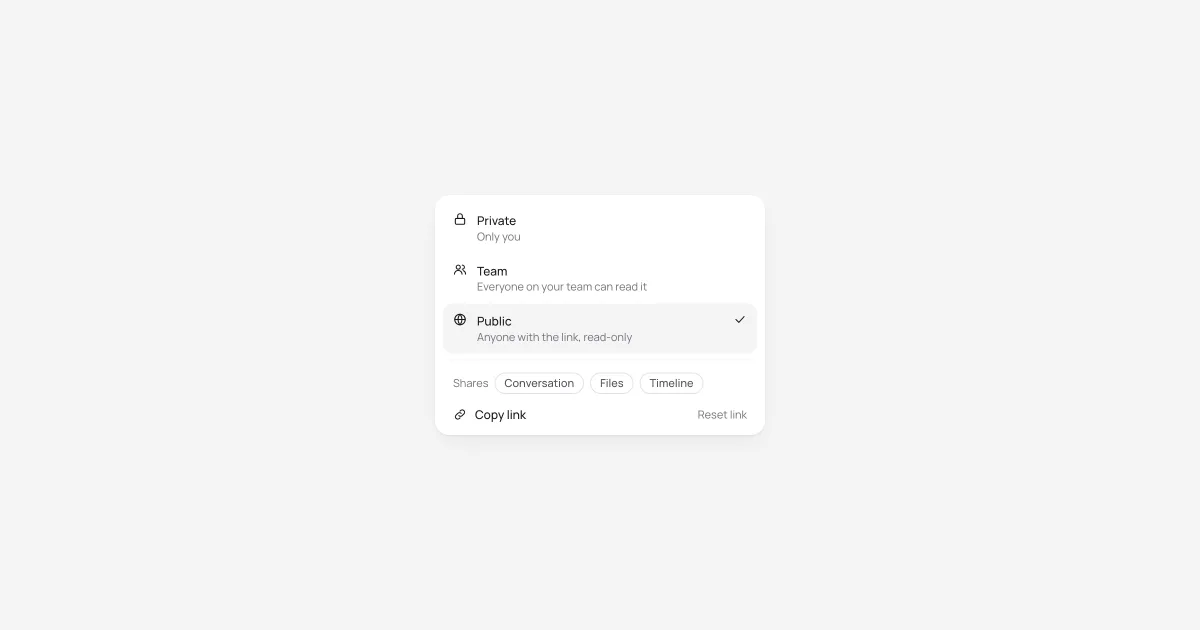
The Share menu now offers Private, Team and Public. Team chats open for everyone on your team. Public chats get a read-only link that works without signing in and isn't indexed by search engines, and you can reset it at any time.
Sharing now covers what a chat produced, not just the conversation. Readers see its files, background jobs with their timelines, plans and Deep Research sources, all read-only. Making a chat public asks you to confirm first. You can also invite a lab buddy straight from the Share menu.