Changelog

New features, improvements and fixes in Purna AI.

New

BLAST and reference data, built in

Purna now hosts its own reference data: RefSeq transcripts and reference genomes, with gene lookups that return transcripts, exon junctions and genome coordinates. In chat, Purna can pull a sequence or BLAST it against transcripts in seconds. Background jobs go further and search whole genomes.

Two new skills build on it. Primer design runs Primer3, maps primers to exon junctions and checks each one for off-target binding using Primer-BLAST's mismatch rules. Reference BLAST handles probe, guide and specificity checks. Find them under Library → Capabilities as "Reference Data & BLAST", on every plan.
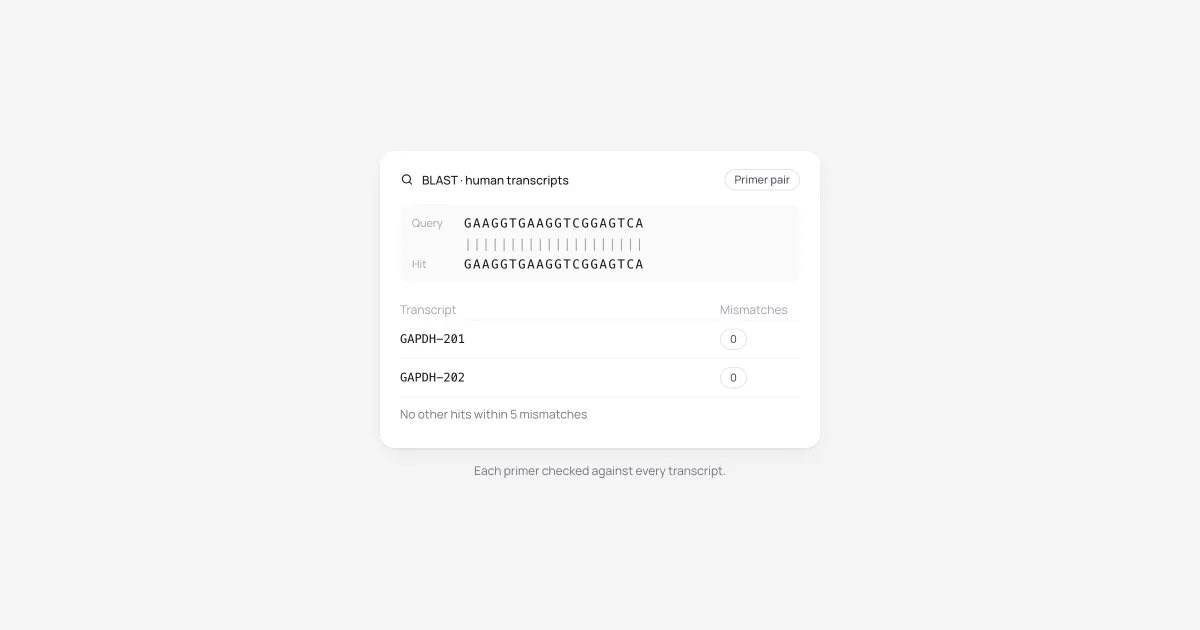
A BLAST result card showing a GAPDH primer matched to two transcripts with zero mismatches and no other hits within five mismatches
New

Click any gene in an answer

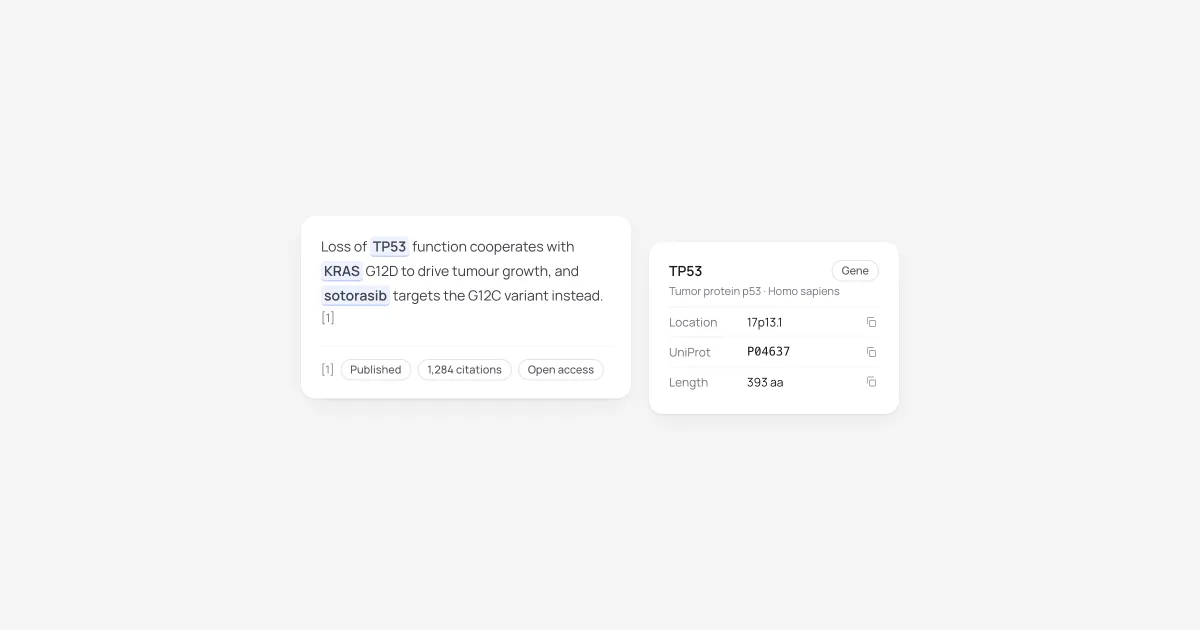
Genes, proteins, variants, compounds and species in Purna's answers are now chips. Click one and a tab opens beside the chat with live data from MyGene, UniProt, gnomAD, Ensembl VEP, PubChem, ChEMBL or NCBI Taxonomy, with a copy button on every row.

Citations got sharper too. Each cited paper shows whether it's a preprint or published, its citation count, open access status, and a clear flag if it has been retracted. Both work on web and mobile.

An answer with TP53, KRAS and sotorasib highlighted as chips, a citation with evidence badges, and a TP53 detail card
New

Share a chat, and everything behind it

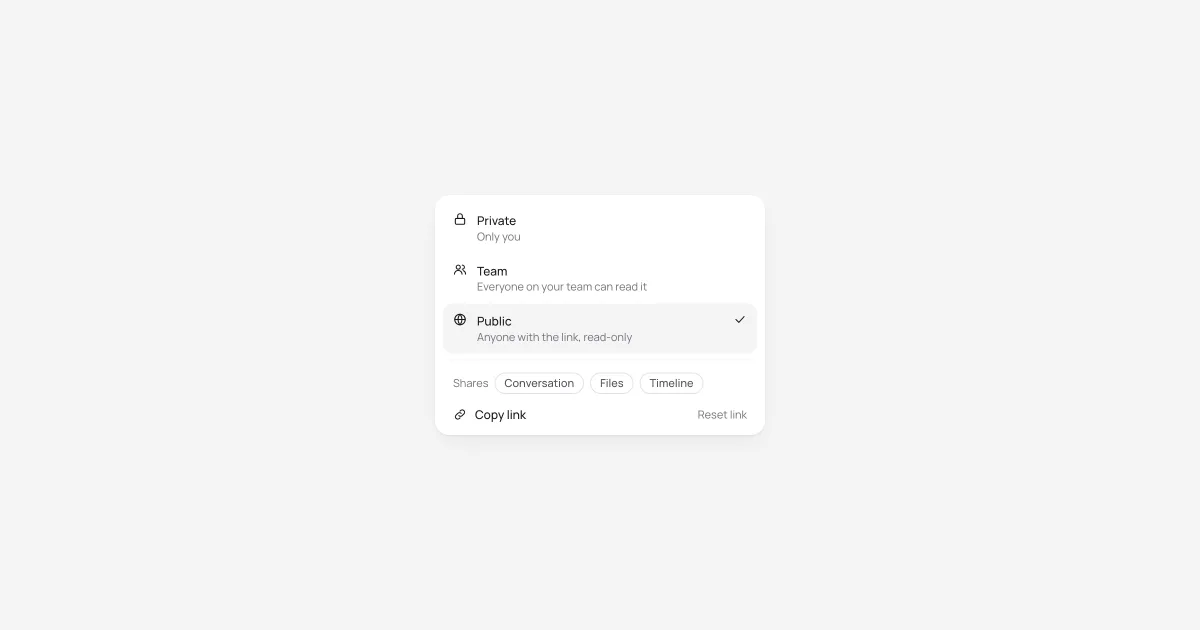
The Share menu now offers Private, Team and Public. Team chats open for everyone on your team. Public chats get a read-only link that works without signing in and isn't indexed by search engines, and you can reset it at any time.

Sharing now covers what a chat produced, not just the conversation. Readers see its files, background jobs with their timelines, plans and Deep Research sources, all read-only. Making a chat public asks you to confirm first. You can also invite a lab buddy straight from the Share menu.

The Share menu with Private, Team and Public options, showing that sharing includes the conversation, files and timeline
New

Tell Purna how you work

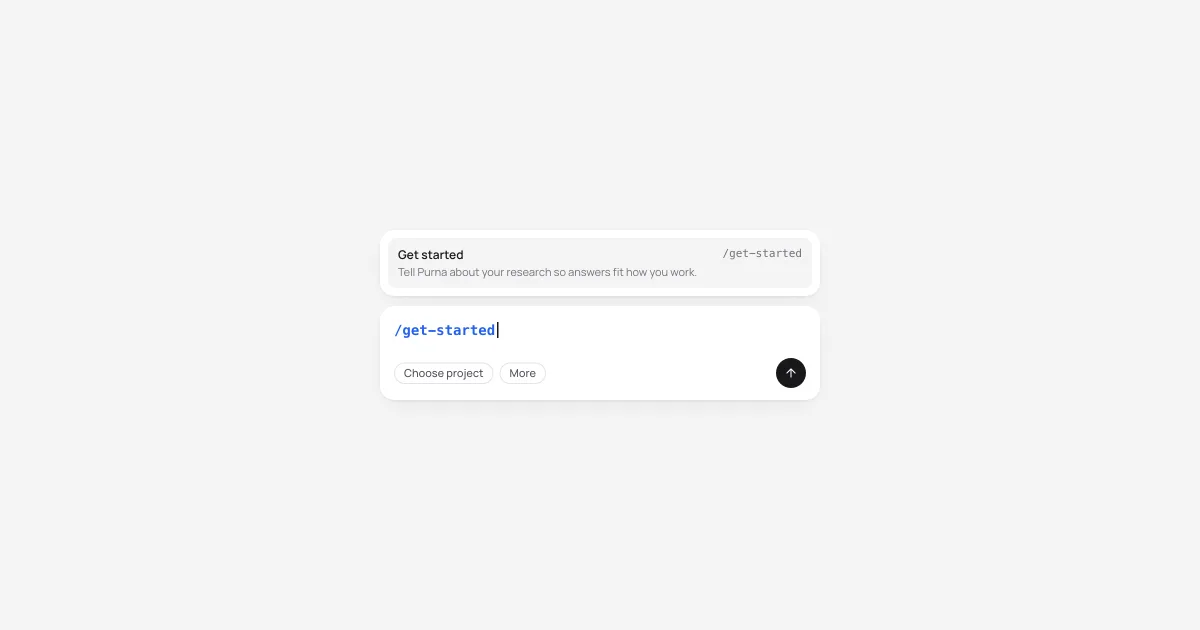
Type /get-started in any chat. Purna asks seven quick questions: your field and organisms, wet lab or computational, the data you work with, R or Python, what a good answer looks like, and your conventions, such as genome build and gene nomenclature. A few follow-ups fill in the gaps.

From your answers, Purna drafts a short research profile. Edit it, save it, and it shapes every answer from then on. It never overrides evidence or citation rules, and nothing is saved until you press Save. Typing / now opens a command menu.

The chat composer with /get-started typed and the command menu offering Get started
Improvement

A cleaner, faster Purna

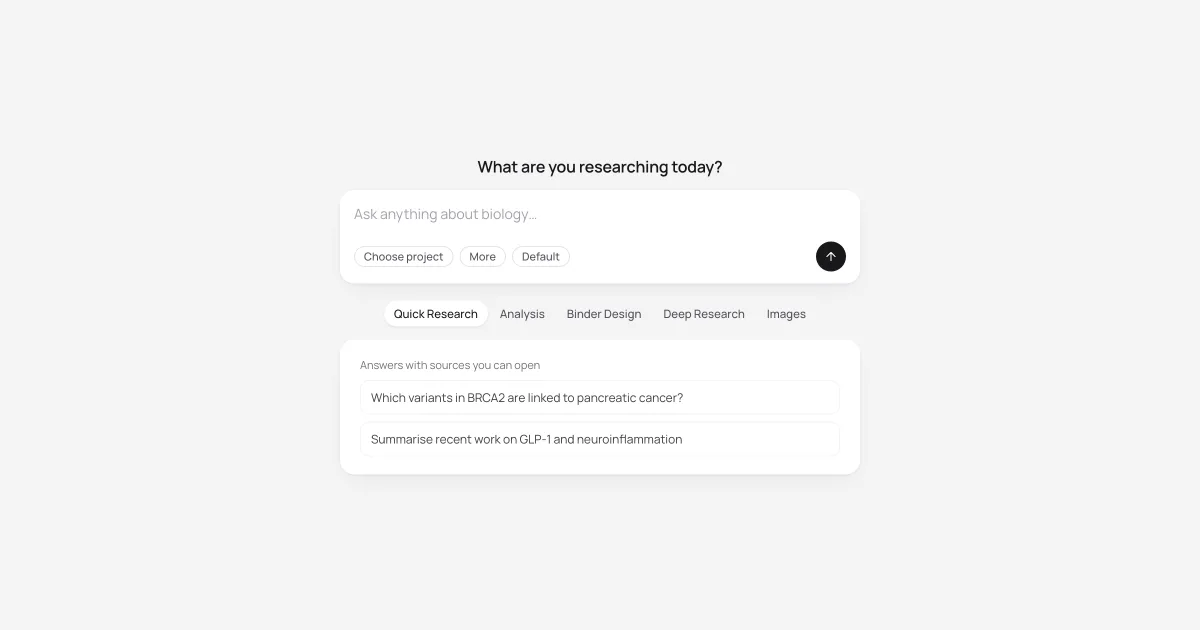
The new session page now shows what Purna can do: Quick Research, Analysis, Binder Design, Deep Research and Images, each with example prompts and a shortcut to begin. Chat, Files, Library and Jobs share one header and frame, and light mode moves to a calmer zinc palette.

It's faster, too. Opening chats, starting sessions and moving between pages take fewer round trips, and streaming answers no longer redraw the whole conversation. You can also switch models mid-chat, and each reply uses the model you picked.

The new session page with a composer, capability tabs and example prompts