Changelog

New features, improvements and fixes in Purna AI.

Improvement

Purna, redesigned for mobile

The mobile app has a new look. A side drawer holds Search, Jobs, Research, Library, Files and your recent sessions, and New Chat is now the home screen.

Browse your saved papers and project files from your phone, attach files to a message, and choose a project right from the composer. Sessions stay signed in more reliably, long lists load faster, and the layout adapts to tablets.
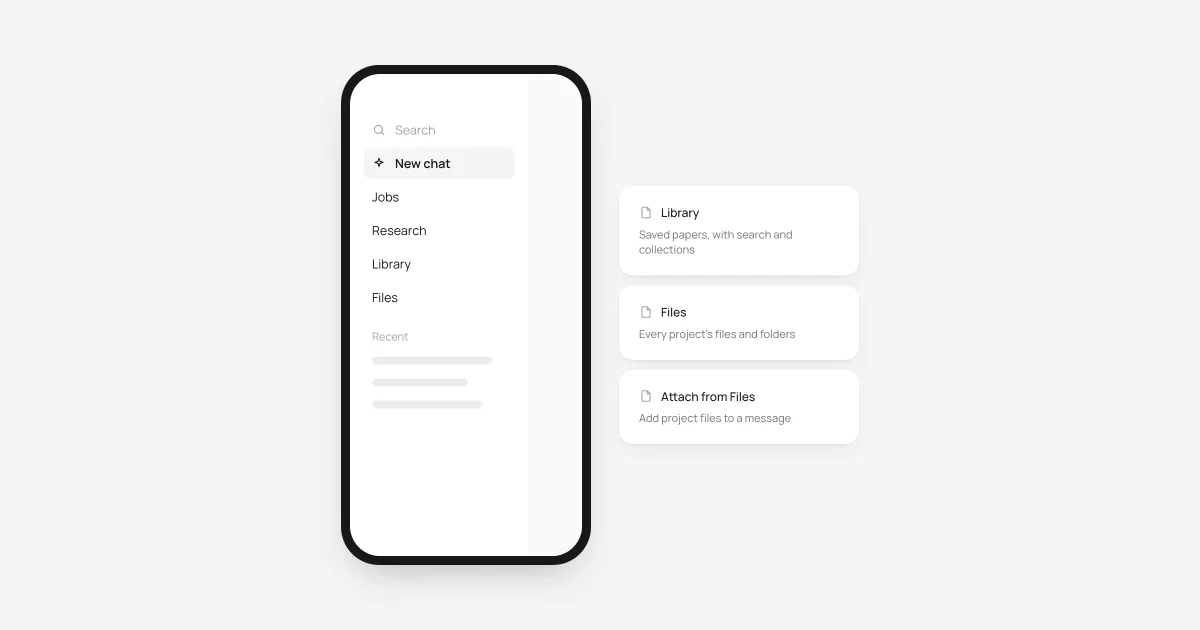
A phone showing the new side drawer, next to cards for Library, Files and attaching files
New

Open your data where you work

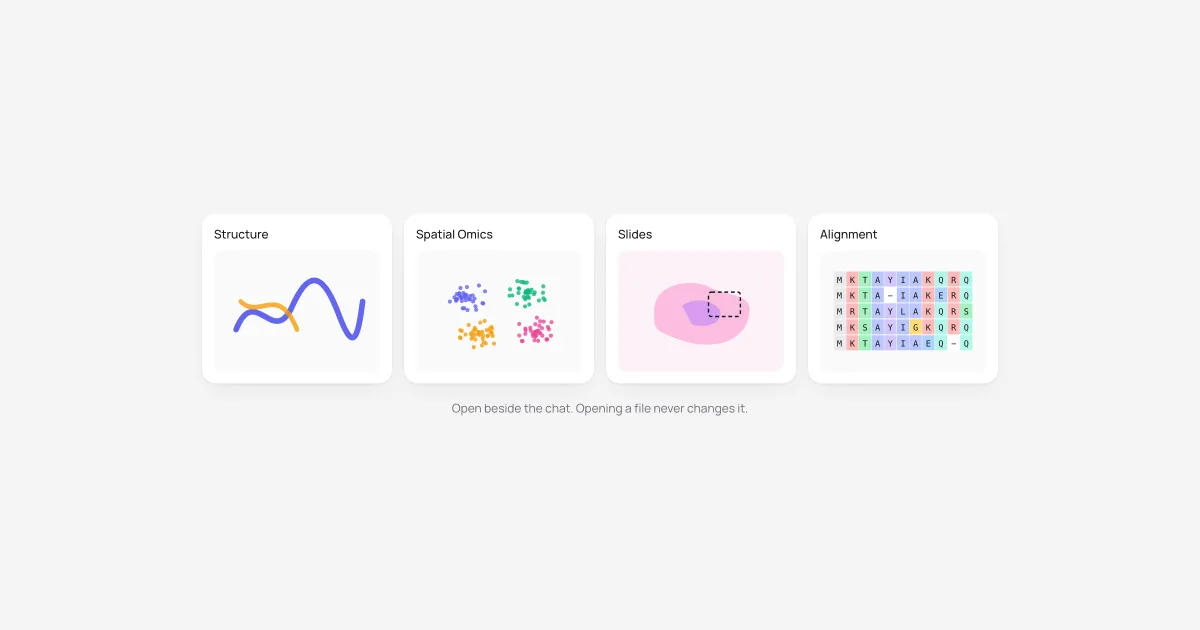
Four scientific viewers now open inside your workspace, beside the chat: Structure (Mol*, with pLDDT confidence coloring), Spatial Omics (H5AD, AnnData-Zarr, Vitessce), Slides (OME-TIFF, SVS, NDPI) and Sequence Alignment (FASTA, Clustal, Stockholm, A3M).

Spreadsheets, 3D meshes, Jupyter notebooks and about 110 text and scientific formats now preview natively, and opening a file never changes it. On a slide, draw a region and attach it so the agent looks at exactly what you mean. Read the launch post.

Four viewer tiles: a protein structure, a single-cell embedding, a tissue slide with a selected region, and a sequence alignment
New

Figures that start with a plan

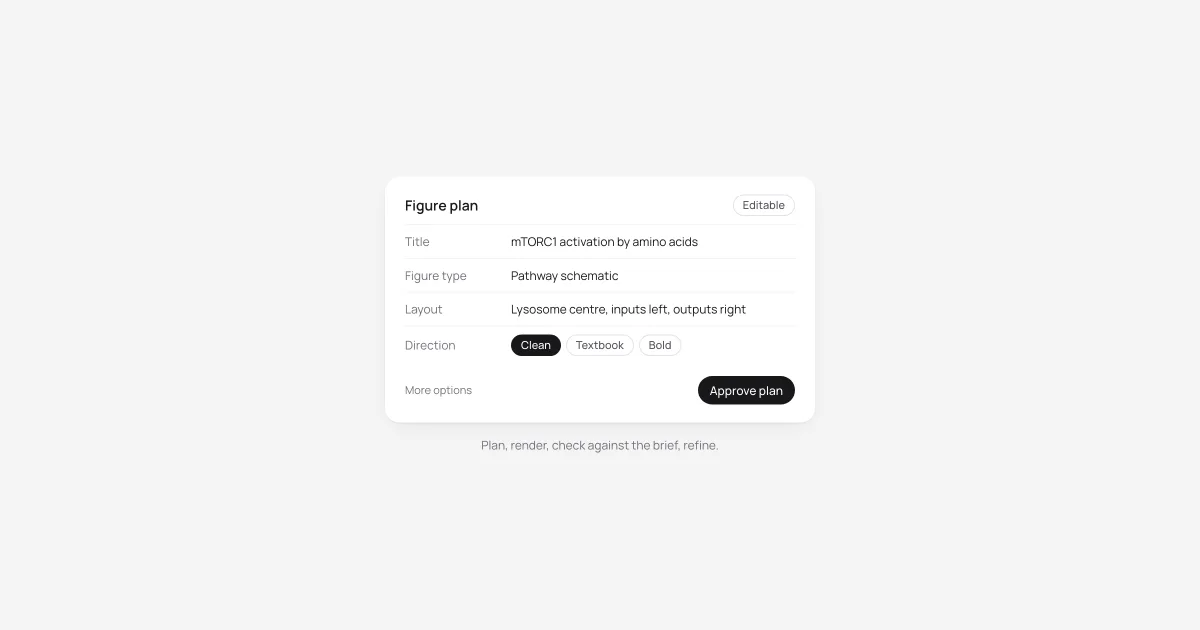
Ask for a figure and Purna returns an editable plan first: title, figure type, layout, scientific description and visual direction. Fixing a wrong layout or a missing pathway step takes seconds here. Approve it when it's right.

A team of agents takes it from there. One composes from a curated set of scientific figures, a critic checks the render against your brief for reversed arrows, wrong labels and missing parts, and the figure is refined until it holds up. Pick any result to refine it into a new version. Read the launch post.

An editable figure plan with title, figure type, layout and visual direction, and an Approve plan button
Improvement

Deep Research, rebuilt

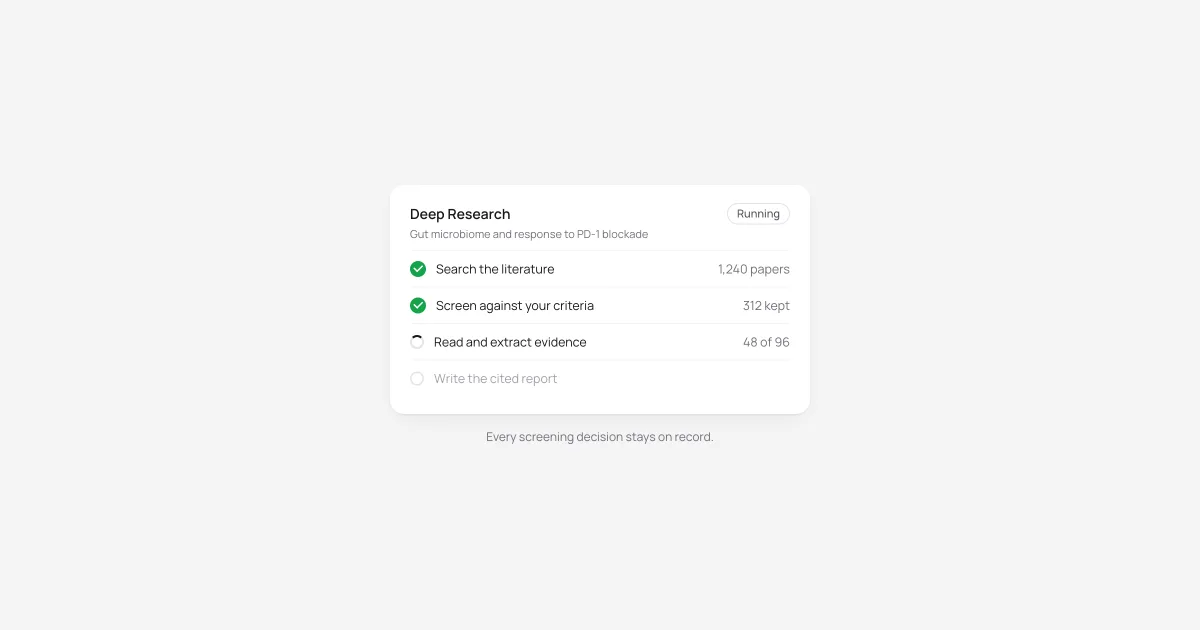
Deep Research now runs on a new literature engine. Approve the plan and it searches, screens and reads the papers, then delivers one cited report.

You can watch it work. The Papers, Overview and Timeline views update as the run goes, showing which papers made it in and why. Progress is checkpointed, so an interruption resumes the run instead of restarting it, and drafts that need a second look are kept rather than discarded.

A Deep Research run listing its stages: search, screen, read and write the report, with paper counts
New

Steer agents while they work

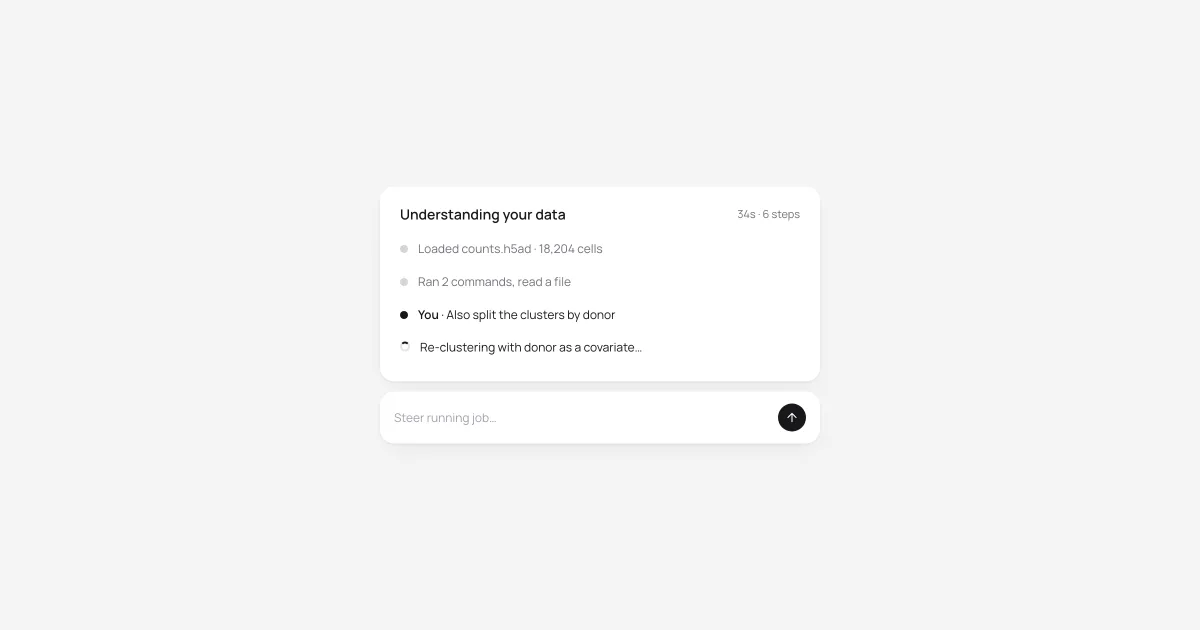
Send a message while a background job is running and it goes to that agent instead of starting a new plan. Purna marks it Queued, then shows it in the timeline the moment the agent picks it up.

When a job finishes, approving a new plan continues the same job, with its files, thread and history intact. Pause and resume are dependable, and the timeline follows along live: agent notes refresh as they arrive and running commands show as they happen.

A running job timeline with a steering message from the user and a Steer running job field below