Introducing Scribe Lab: document editing meets Deep Research
Try Scribe Lab in Purna
Run Deep Research, draft scientific documents, and keep the sources close to the writing.
Open Purna →Scribe Lab is now live in Purna’s Molecular Intelligence Platform, and it is here for a very specific kind of chaos.
You know the one.
You start with a research question. You open a few papers. Then a few more. Then a database. Then a chat. Then a notes doc. Then a figure. Then somehow your “quick summary” has become a folder full of screenshots, half-copied citations, and a document called final_final_v3_really_final.docx.
Scribe Lab is our answer to that workflow.
It brings a scientific document editor and Deep Research into the same workspace, so the path from question to evidence to draft feels less like tab juggling and more like doing actual research.
Scribe Lab is the writing room your research needed
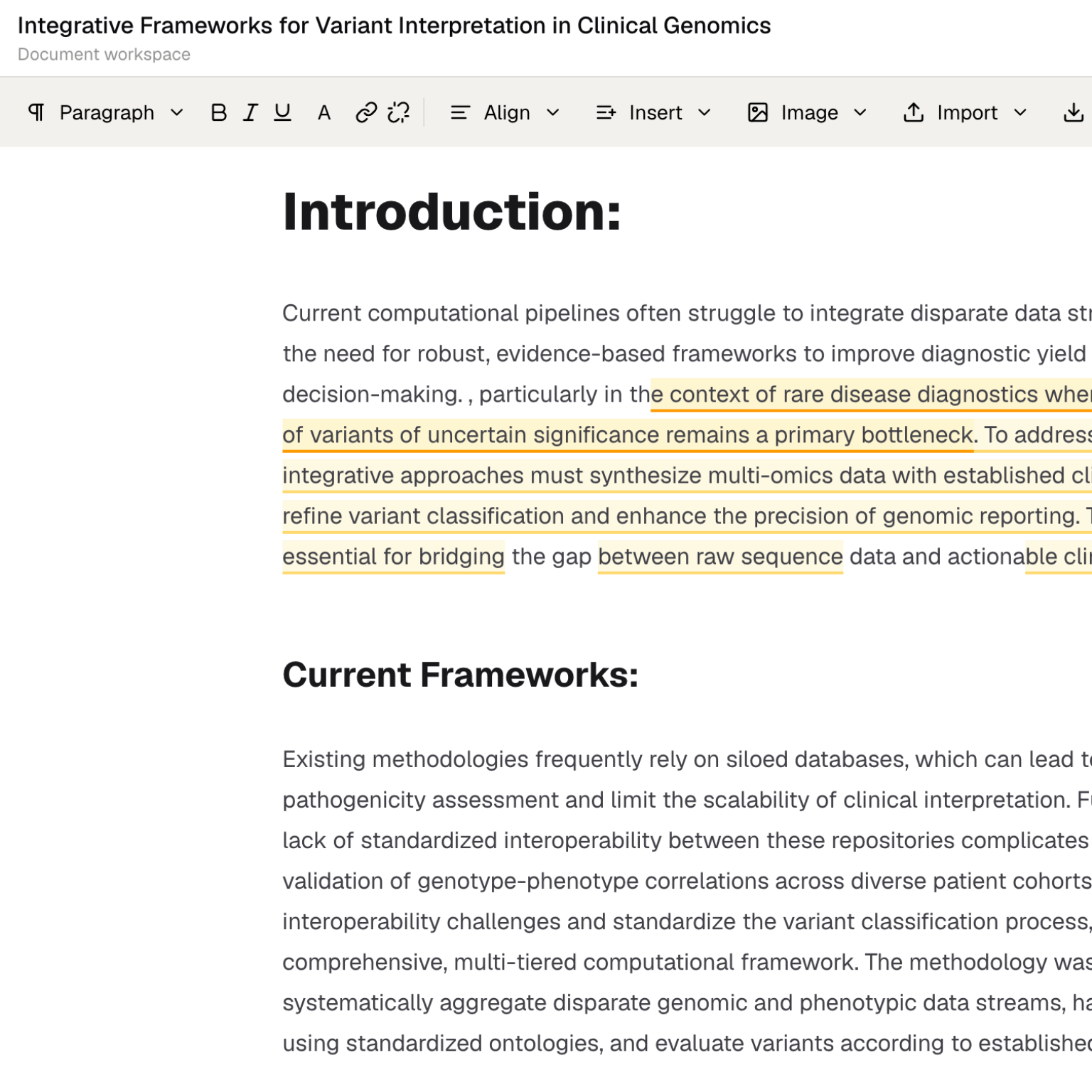
Scribe Lab is a document workspace built for scientific writing. Think manuscripts, methods notes, internal research briefs, literature reviews, project summaries, and analysis writeups.
The point is not to make writing “automatic.” Good scientific writing still needs judgment, skepticism, and taste. The point is to remove the boring parts that slow teams down:
- moving evidence from one place to another
- rebuilding the same outline repeatedly
- losing track of where a claim came from
- switching between chat, documents, files, and citations
- turning research output into something readable
Scribe Lab gives you a place to write while keeping the surrounding research context close.
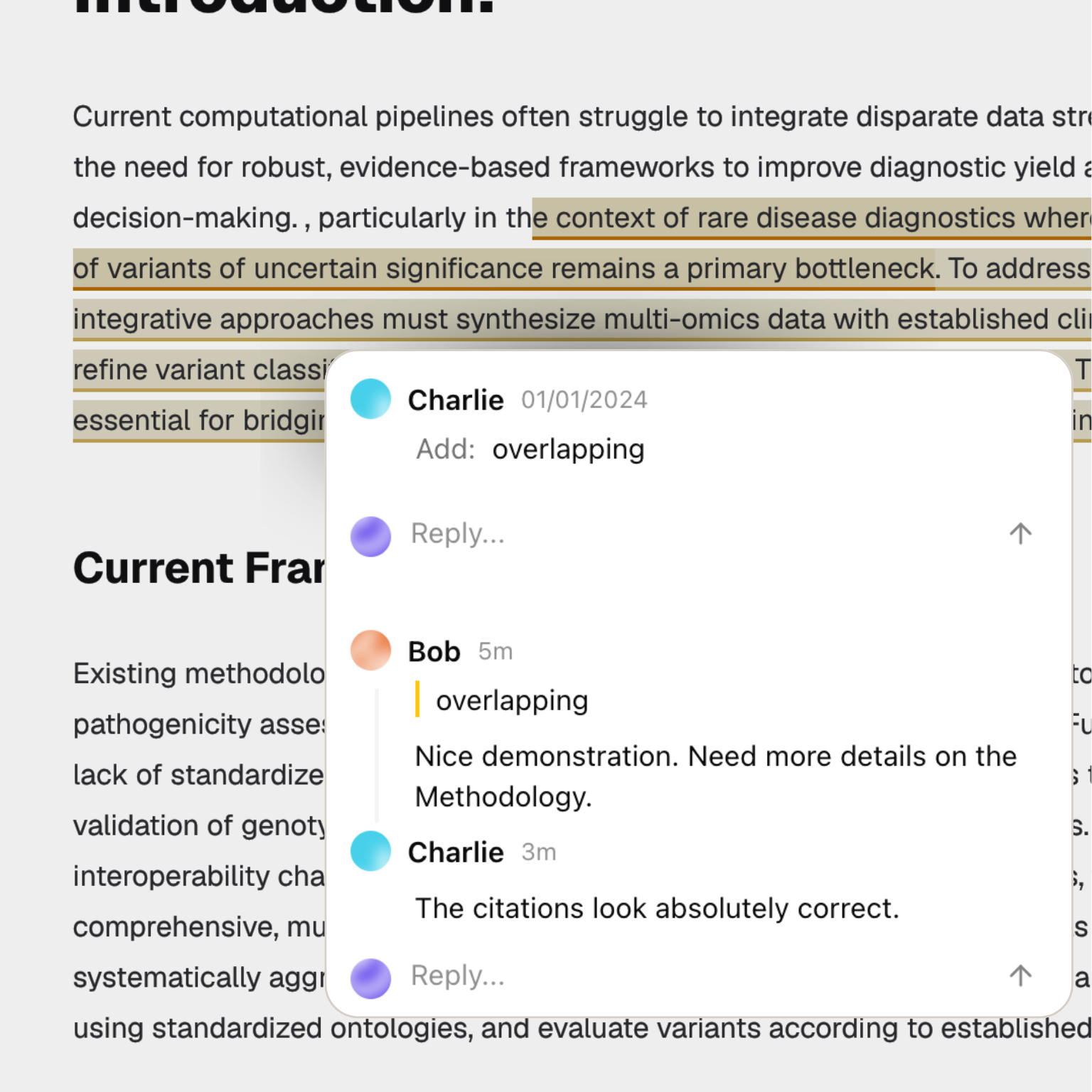
If you have used Purna for molecular intelligence, this should feel familiar. The workspace is not just a text box. It connects research, files, outputs, citations, and follow-up analysis into one place.
The document editor is built for real scientific drafts
Most documents start messy. That is fine. Scribe Lab is designed for that early messy stage and for the cleaner review stage that comes later.
You can draft sections, refine language, organize claims, build outlines, and keep the paper moving without leaving the platform. It is useful when you already have analysis outputs in Purna, such as tables from a job, figures from code execution, or summaries from a research chat.
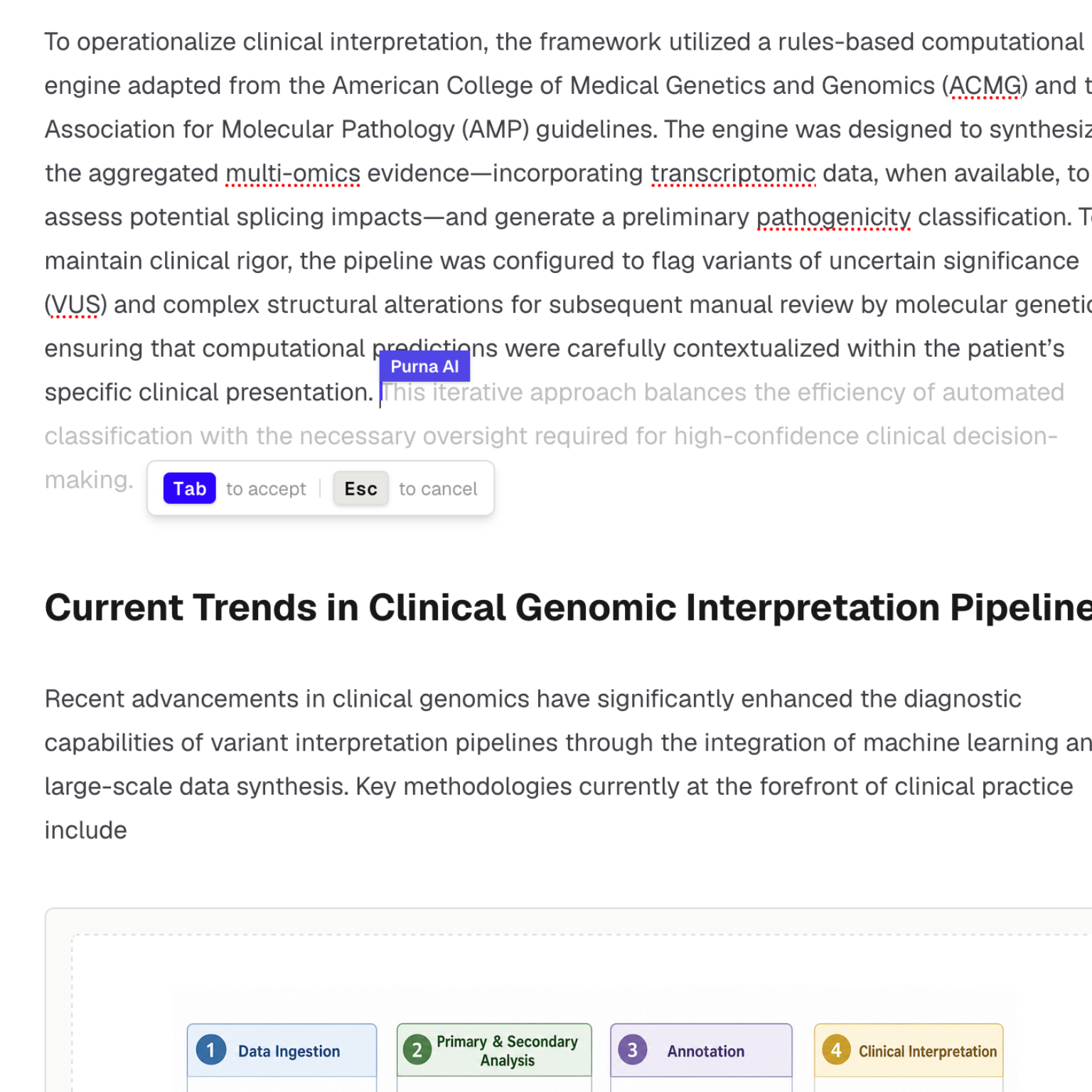
The document editor is especially helpful for:
- Turning a Deep Research answer into a structured brief.
- Expanding an outline into a complete draft.
- Rewriting a rough section for clarity.
- Keeping methods, results, interpretation, and references together.
- Moving generated figures and tables closer to the narrative around them.
That last point matters. A figure without the surrounding reasoning is easy to misread. A result without a method is hard to trust. A citation without the claim it supports is just a link.
Scribe Lab is meant to keep those pieces in the same working surface.
Deep Research gives the draft better raw material
Now for the fun part.
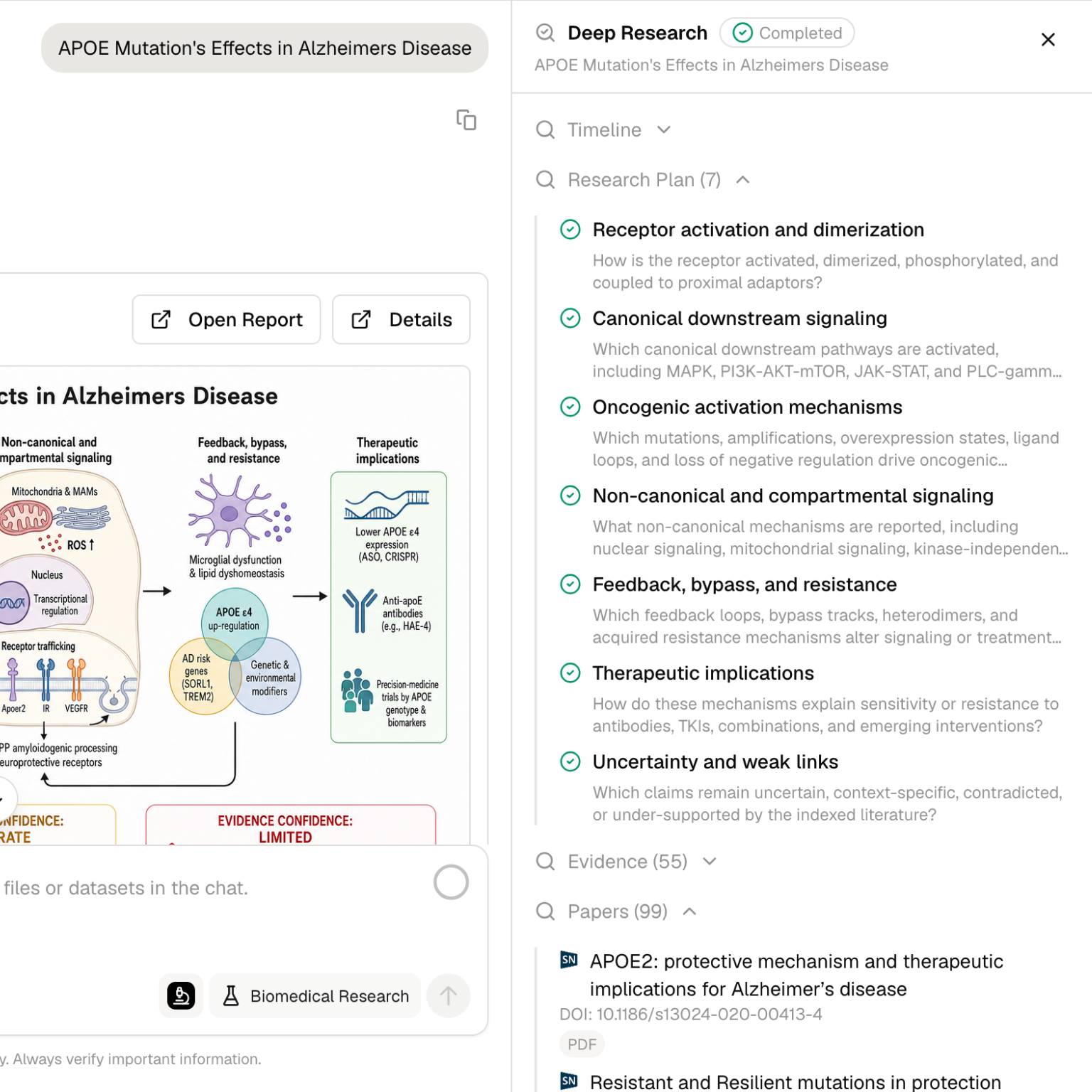
Deep Research is the evidence engine behind a lot of this workflow. Instead of asking you to search papers, databases, and source material manually, Deep Research can plan the investigation, search across high-authority biological sources, compare evidence, and produce a traceable synthesis.
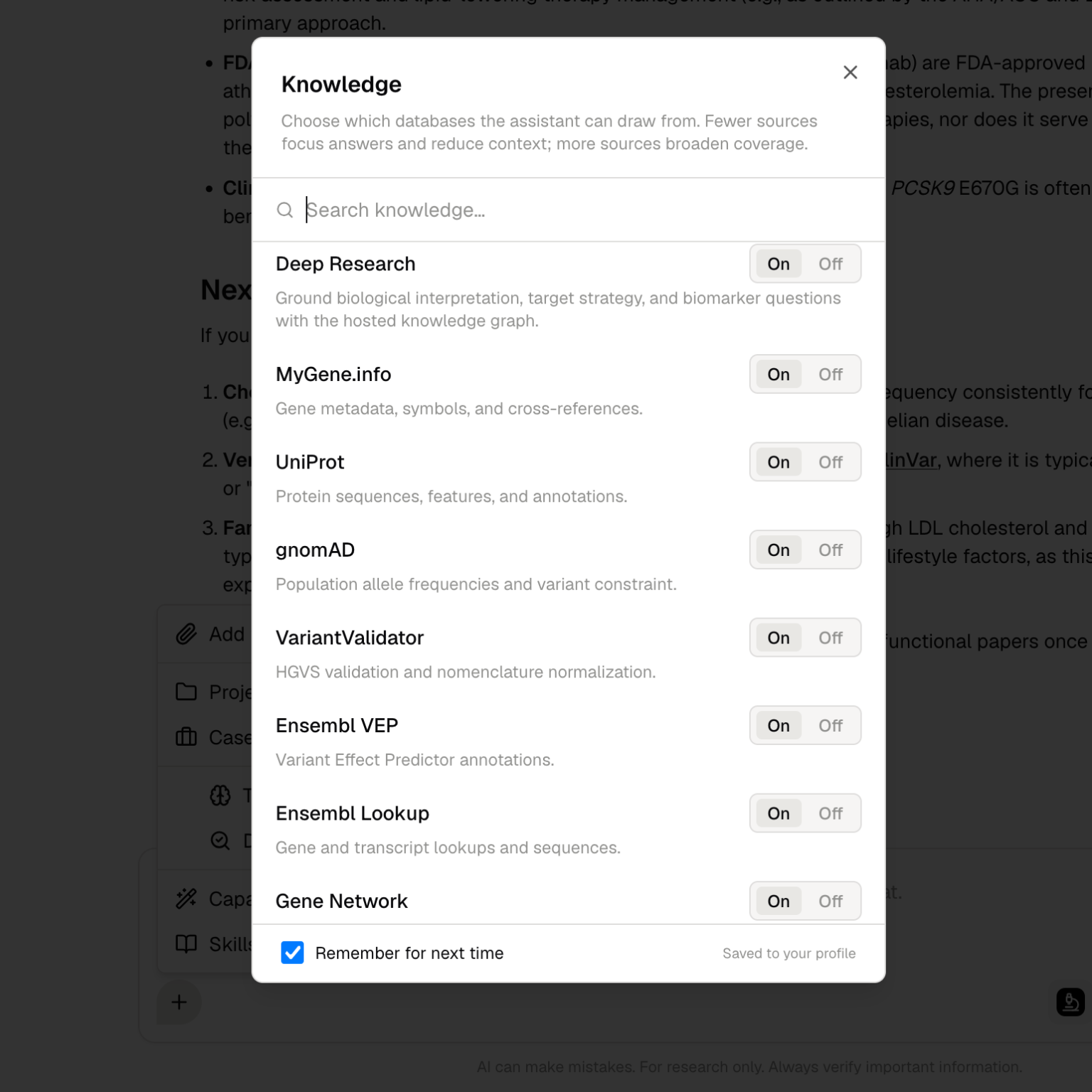
That means your draft can start from stronger raw material:
- source-backed summaries
- research questions broken into subtopics
- database context around genes, pathways, variants, proteins, diseases, and compounds
- citations attached to the claims they support
- follow-up questions that build on the same research thread
This is where Scribe Lab and Deep Research become more than two separate features. Deep Research helps gather and structure the evidence. Scribe Lab gives you the place to turn that evidence into something your team can review, edit, and use.
From “interesting answer” to “usable document”
One of the biggest gaps in AI research tools is the gap between getting an answer and using that answer.
An answer in chat is useful. A document your team can review is more useful.
Scribe Lab is designed for that handoff. A typical workflow can look like this:
- Ask Deep Research to investigate a mechanism, target, disease area, or pathway.
- Review the sources and synthesis.
- Move the findings into Scribe Lab.
- Structure the draft into sections such as background, evidence, limitations, methods, and next steps.
- Refine the language and citations.
- Share the document with your team for review.
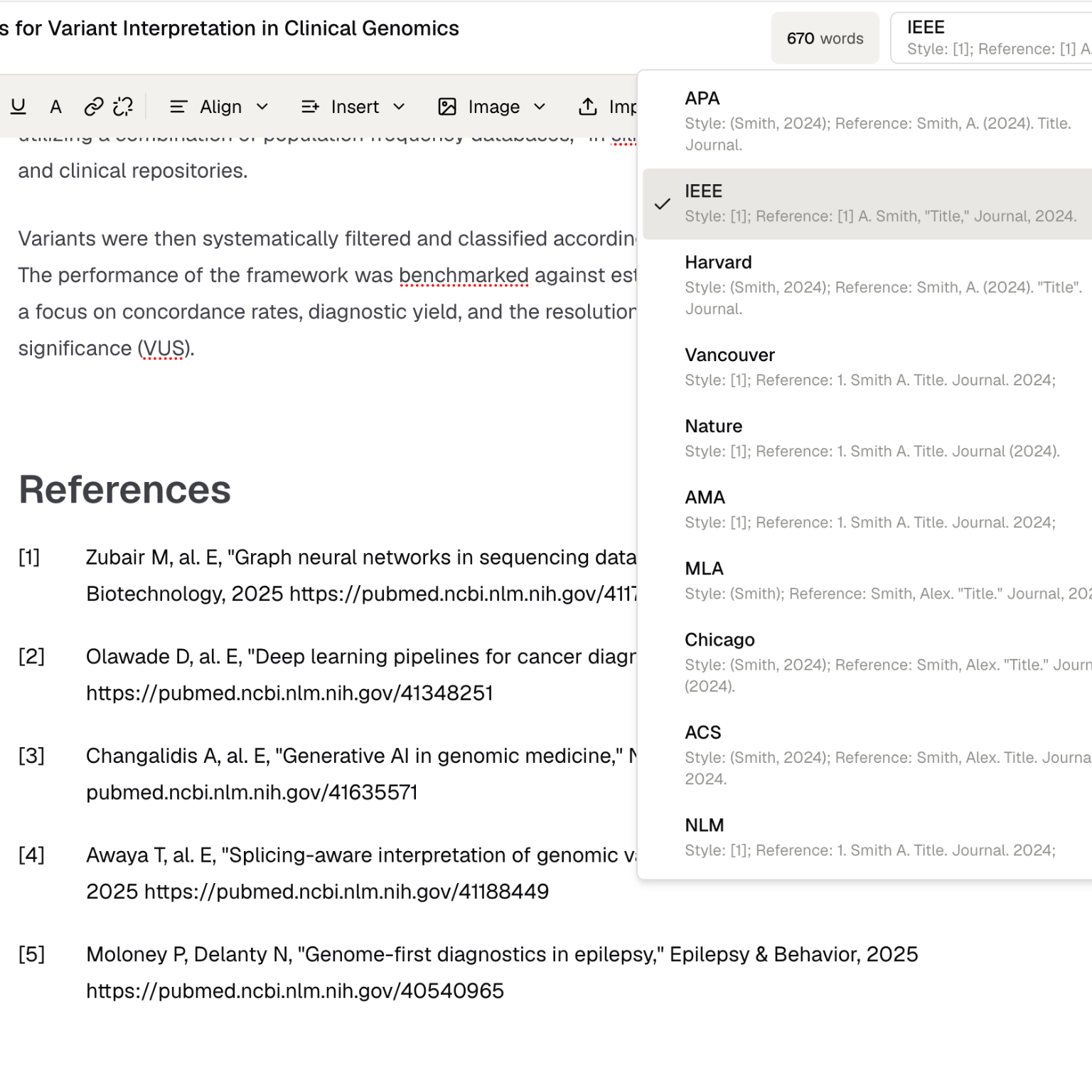
This makes Purna feel less like a collection of separate tools and more like one research workspace. The chat can investigate. Jobs can compute. Files can store outputs. Scribe Lab can turn the work into a document.
If you have read our post on organizing work with Projects, this fits the same direction. Research is not just prompts and responses. It is a trail of questions, sources, files, figures, decisions, and drafts.
The vibe: less copy-paste, more thinking
The goal is not to replace scientists with a document robot. Nobody wants that, and honestly, the document robot would probably overuse the word “robust.”
The goal is to let researchers spend more time on the parts that actually require expertise:
- Is this claim supported?
- Are these papers comparable?
- What caveats belong in the discussion?
- Does the mechanism make biological sense?
- What experiment would reduce uncertainty?
- Is this ready for a team meeting, a collaborator, or a manuscript draft?
Scribe Lab helps with the mechanics. Deep Research helps with the evidence. You bring the judgment.
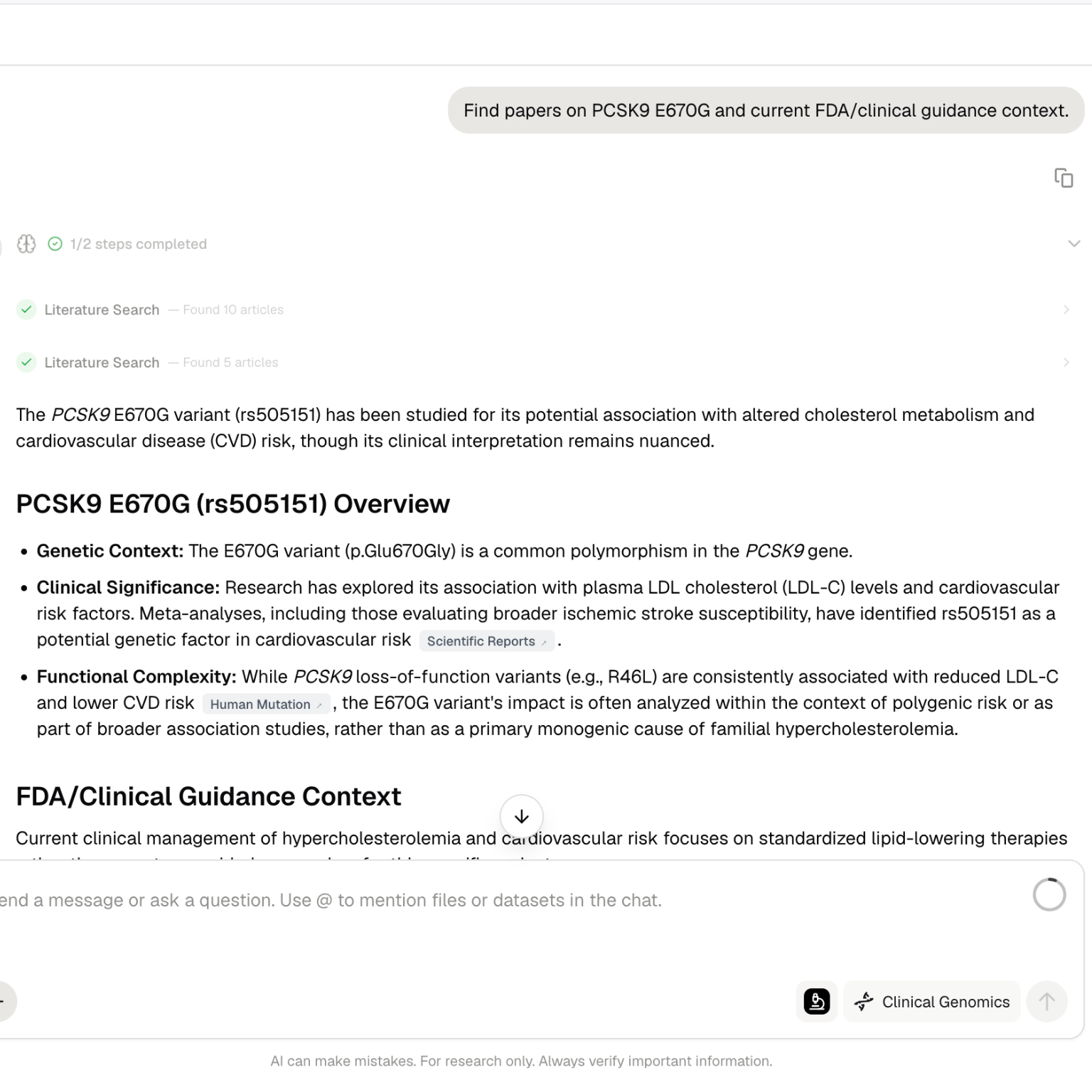
Try Scribe Lab
Open Purna, go to Scribe Lab, and start with a draft or a research question. If you want to begin from evidence, run Deep Research first and bring the synthesis into the document.
Documentation is available here:
If you are new to Purna, you may also like Bioinformatics without coding and What is molecular intelligence?.
Purna AI’s Molecular Intelligence Platform (MIP) is an AI-powered workspace for biology teams. It brings together molecular analysis, deep research, scientific writing, code execution, files, and model-backed workflows into one environment. Built for teams who work with biological data and need consistent, reproducible answers without juggling disconnected tools. Learn more at purna.ai.
Try Scribe Lab in Purna
Run Deep Research, draft scientific documents, and keep the sources close to the writing.
Open Purna →Explore Purna's Molecular Intelligence Platform
AI-powered workspace for biology teams to accelerate drug discovery from target identification to lead optimization.
Try Purna AI →